What You’ll Learn in This Guide
Let's be honest. You've spent good money on a quality spotting scope for birding or wildlife watching. The view is crystal clear. Then you try to hold your phone up to the eyepiece to snap a photo for your life list or to share with friends. The result? A blurry, shaky, vignetted mess that doesn't do the scene any justice. Sound familiar? That frustrating gap between what you see and what your camera captures is exactly what a digiscoping adapter is designed to bridge. It's not just an accessory; it's the crucial link that transforms your spotting scope into a super-telephoto lens for your smartphone or compact camera.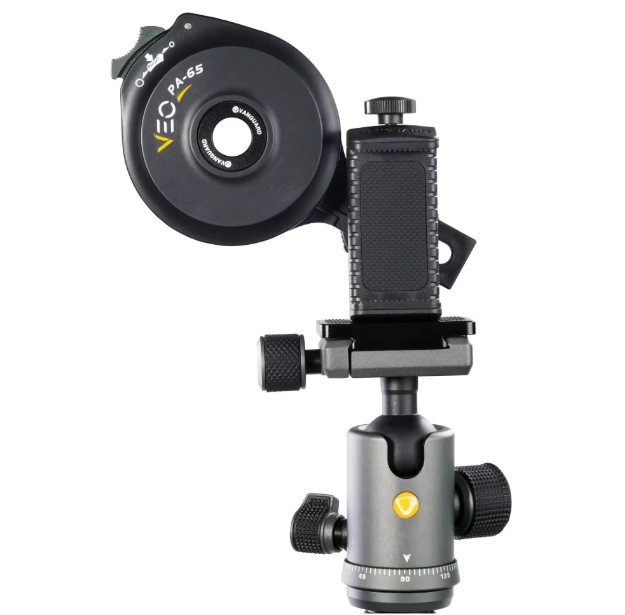
I've been digiscoping for over a decade, from backyard birds to distant mammals on safari. I've made every mistake in the book—buying the wrong adapter, battling vibration, getting endless black-circle shots. This guide is the one I wish I'd had, packed with the practical, nitty-gritty details you need to skip the headaches and start taking gallery-worthy photos through your scope.
What Exactly Is a Digiscoping Adapter?
At its core, a digiscoping adapter is a mounting bracket. Its sole job is to hold your smartphone's camera lens in perfect, stable alignment with the eyepiece of your spotting scope. Think of it as a tripod for your phone, but one that's specifically designed to mate with optical equipment. By eliminating hand shake and ensuring precise centering, it allows the light path from the scope to enter your phone's camera sensor cleanly, resulting in sharp, bright, and properly framed images.
Here’s the thing most beginners miss: your spotting scope’s eyepiece and your phone’s camera lens are both complex optical systems. Holding them together freehand creates a chaotic mix of misalignment, vibration, and light leakage. The adapter fixes that. It's the difference between a snapshot and a photograph.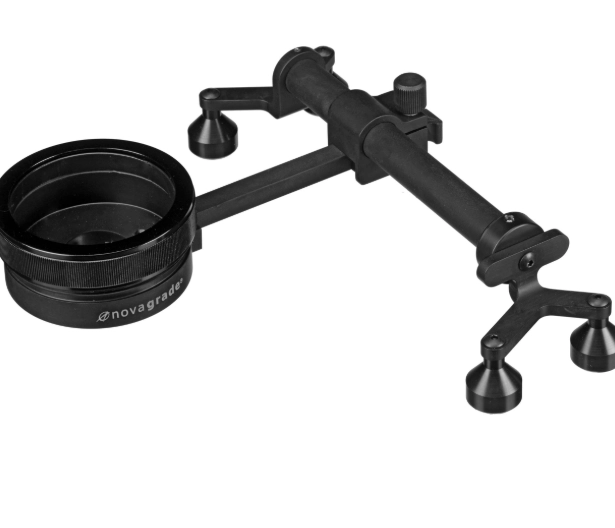
How to Choose the Right Digiscoping Adapter
Not all adapters are created equal. Picking the wrong one can lead to compatibility issues, poor stability, and a lot of wasted time in the field. Your choice boils down to three main types, each with pros, cons, and ideal users.
| Adapter Type | How It Works | Best For | Price Range | Example Brands/Models |
|---|---|---|---|---|
| Universal Clamp-on | A adjustable clamp attaches to the phone. A ring or bracket then mounts this clamp onto the scope's eyepiece. | Beginners, casual users, people who share scopes or use multiple phones. Great for flexibility. | $30 - $80 | Phone Skope Universal Kit, Carson HookUpz, Gosky Universal. |
| Case-Specific | You purchase a custom case for your exact phone model. The case has a built-in adapter that screws onto a universal mounting ring on the eyepiece. | Serious hobbyists who use one primary phone. Offers superior stability and faster setup. | $50 - $150 (case + ring) | Phone Skope (custom cases), Kowa TSN-DA series for specific phones. |
| Magnetic/Slide-In | A small metal plate sticks to your phone or case. The adapter uses magnets or a slide to quickly attach/detach. | Birders who need to rapidly switch between viewing and photographing. Prioritizes speed. | $70 - $120 | Magnetic systems from brands like Swarovski Optik (ATX/STX module). |
My personal workhorse for years was a case-specific system. The rock-solid connection was worth the extra cost. But for someone starting out or on a budget, a good universal clamp-on adapter like the Phone Skope kit is a fantastic entry point. Just avoid the absolute cheapest plastic ones on online marketplaces—they flex and vibrate too much.
Compatibility Check: Before you buy anything, know your gear. What is the outside diameter of your spotting scope's eyepiece? (Measure it with calipers or check the manual). Most universal adapters come with rubber inserts to fit a range of sizes (e.g., 40mm-60mm). Also, consider your phone's camera layout. Modern multi-lens arrays need an adapter that can position the primary lens correctly.
Step-by-Step: Setting Up for the Perfect Shot
You've got your adapter. Now, let's get it working. Rushing this setup is the number one cause of poor results.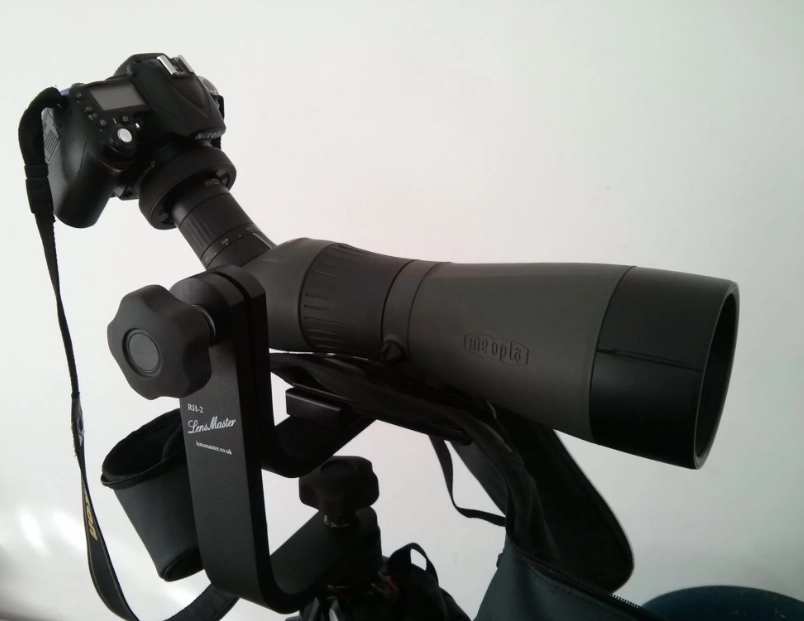
1. Prep Your Scope and Tripod
This is non-negotiable. Mount your spotting scope on a sturdy tripod. A wobbly tripod will ruin every shot, no matter how good your adapter is. Extend the thickest leg sections first for maximum stability. Level your scope. Point it at a distant, high-contrast object like a sign or a tree branch—something you can easily focus on.
2. Attach the Adapter to the Eyepiece
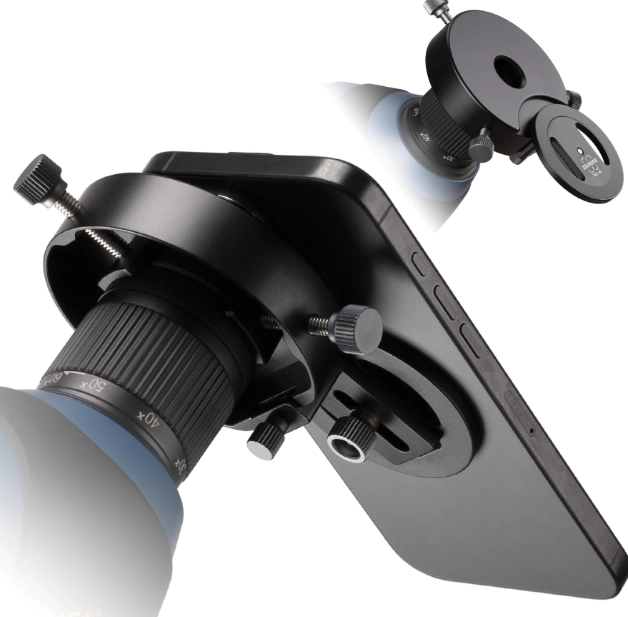
Follow your adapter's instructions. For clamp-on styles, ensure the mounting ring is snug on the eyepiece but not so tight it deforms the rubber. It should not rotate easily. For screw-on systems, thread it on firmly. A common mistake is attaching it to the eyepiece's focusing ring—make sure you're on the main barrel.
3. Align Your Phone's Camera Lens
This is the critical step. Don't just clamp your phone in the middle.
- Open your phone's camera app.
- Loosely position the phone in the adapter so the camera lens is roughly over the eyepiece.
- Look at the screen. You'll likely see a black circle (vignetting).
- Slowly and minutely adjust the phone's position—up/down, left/right—until the black circle disappears and the entire screen is filled with a bright image.
- Then tighten the adapter's clamps or screws to lock it in place. Double-check the alignment hasn't shifted.
Pro Tip: Use the "zoom out" or wide-angle setting on your phone's main camera to find alignment easier. Once aligned, you can zoom in slightly digitally (1.1x-1.5x) to eliminate any remaining faint vignetting. Never start with digital zoom.
4. Dial in the Focus
Forget your phone's autofocus for a moment. Use the spotting scope's focus wheel to get the sharpest possible image on your phone's screen. Tap the screen on your subject to set exposure, but rely on the scope's optics for the primary focus. It's a tandem operation.
Pro Tips & Advanced Techniques
Getting a clear image is step one. Getting a great photo is the next.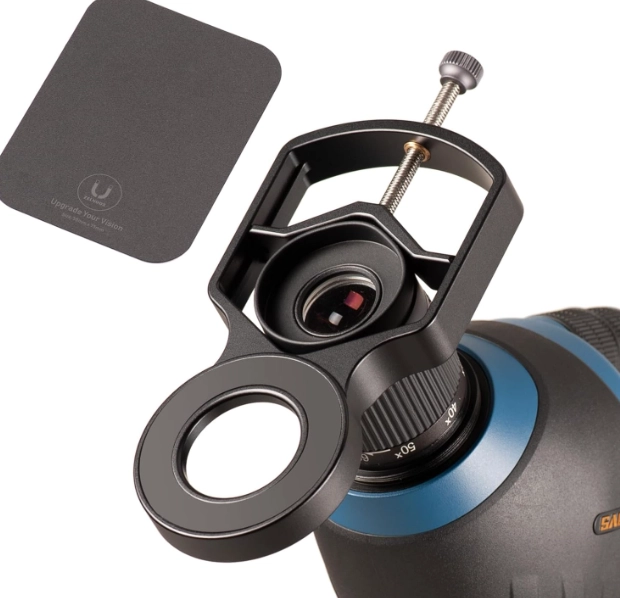
Defeat Camera Shake: Even on a tripod, touching the screen to shoot can induce shake. Use your phone's timer (2-second delay), voice command (“Hey Siri, take a picture”), or a Bluetooth shutter remote (a $10 game-changer).
Master Manual Controls: If your phone's camera app allows it (or use an app like ProCam or Moment), lock the ISO low (100-200) to reduce noise. Let the shutter speed adjust automatically. In low light, you'll need to raise ISO, but keep it as low as possible.
The Case Conundrum: Most adapters work best with the phone case removed for perfect alignment. If you're clumsy (like me), consider a slim, hard case that you don't mind taking on and off, or invest in a case-specific adapter system.
Shoot in RAW: If your phone supports it, shooting in RAW format (DNG) gives you massively more editing flexibility later to adjust exposure, color, and sharpness. The files are larger, but the quality payoff is huge.
I remember trying to photograph a rare warbler years ago. I had the scope focused, the bird sat still, but my hands were cold and I fumbled the screen tap. The shot was blurred. The next day, I bought a Bluetooth remote. The difference was immediate and permanent.
Warning: The Digital Zoom Trap Never use your phone's full digital zoom (like 5x or 10x) while digiscoping. You are already magnifying the image massively through the scope (e.g., 20-60x). Digital zoom just crops and degrades the image. Use the scope's magnification, not the phone's.
Reader Comments